Linux
gamut is packaged for Arch. The PKGBUILD builds the latest release:
git clone https://github.com/dcervelli/gamut.git
cd gamut/packaging && makepkg -si
Note: it takes a few minutes to build.
Omarchy setup
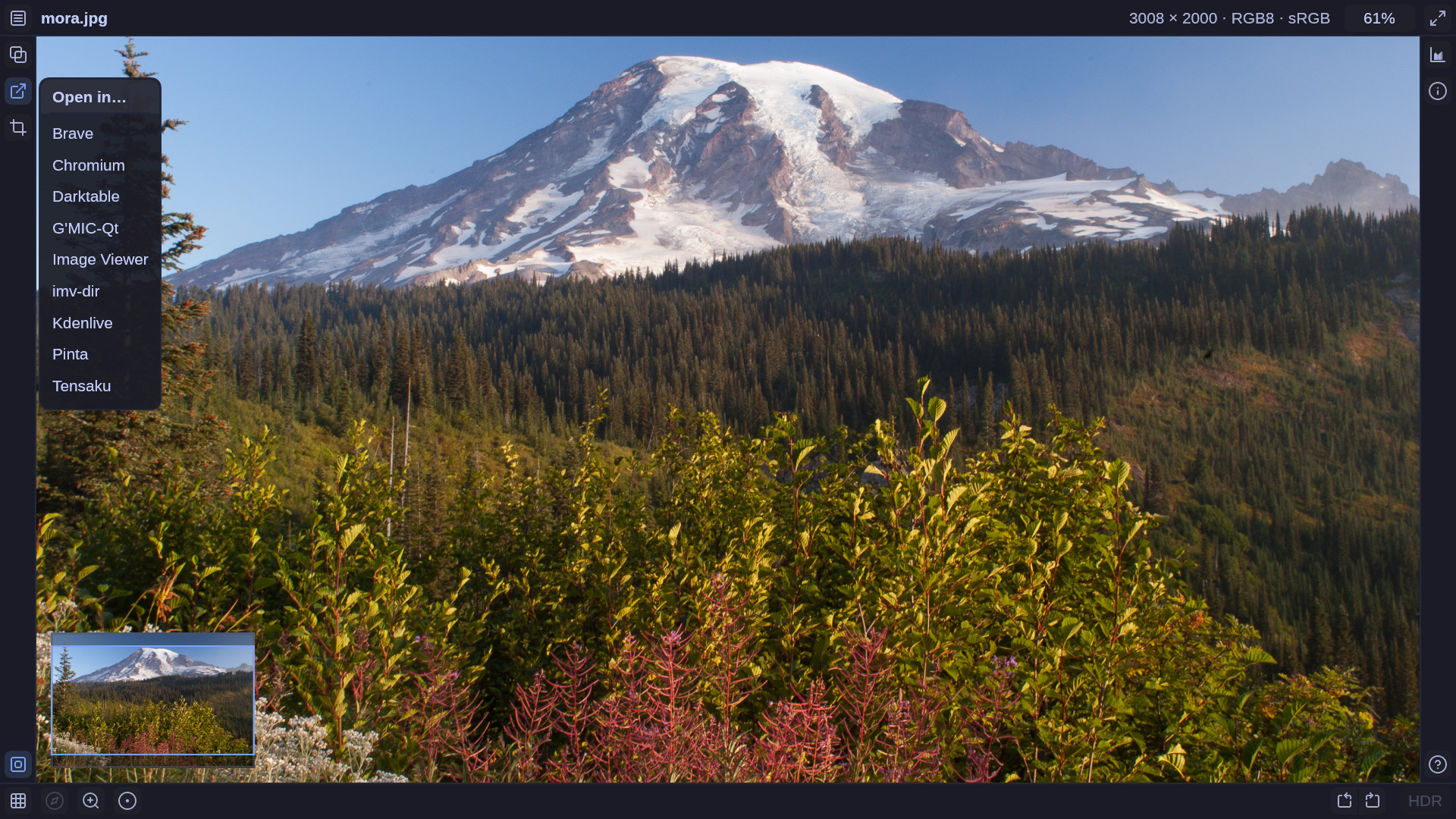
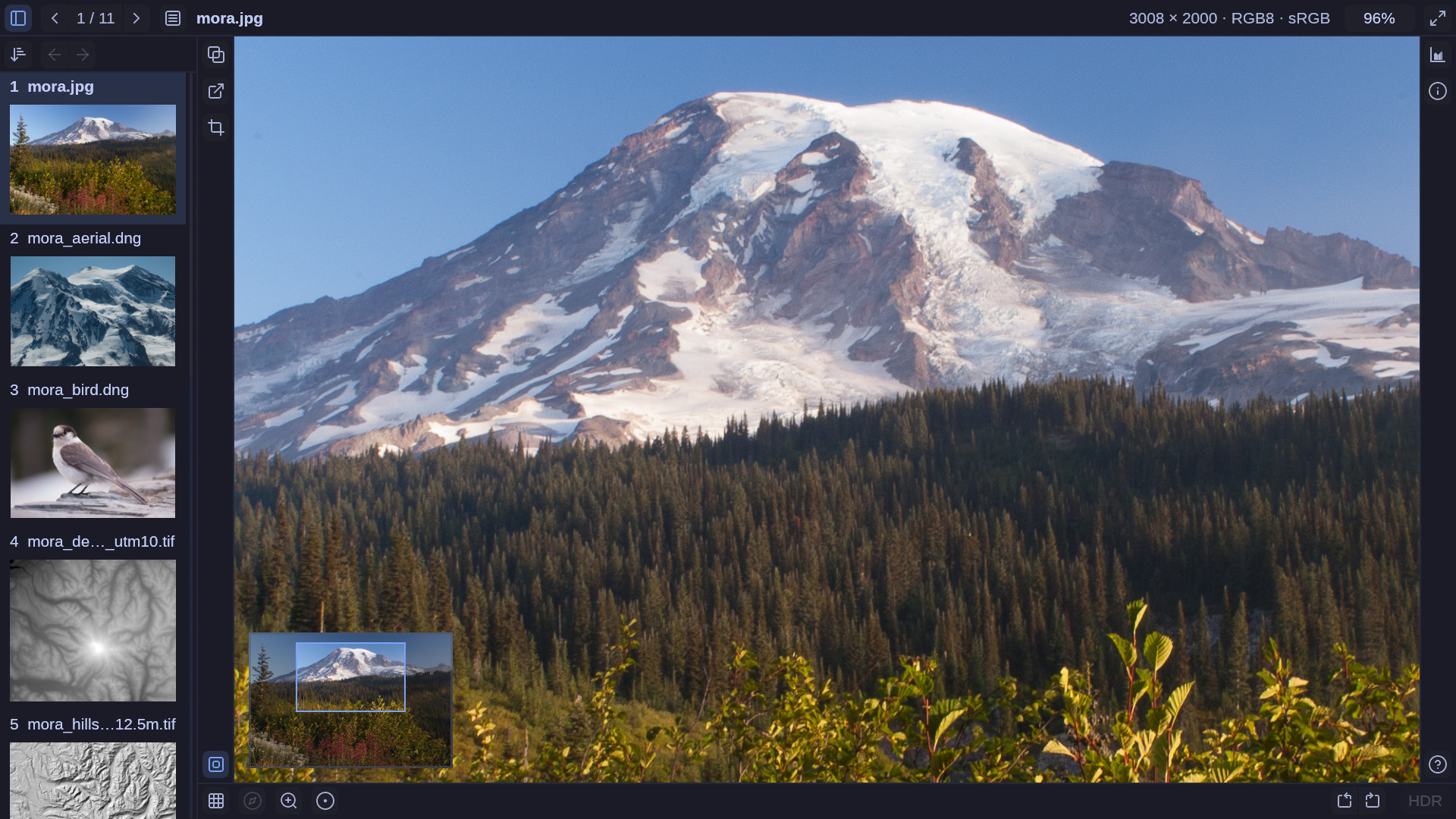
Omarchy ships imv as its image viewer. To use gamut in its place:
1. Window rule. Add this to ~/.config/hypr/hyprland.lua:
o.window("com.dcervelli.gamut", { float = true, center = true, tag = "-default-opacity", opacity = "1 1" })
gamut then opens floating and centered, at a size it works out from the image and the screen. The window is fully opaque, because Omarchy’s default translucency would tint the image with whatever is behind it. Hyprland picks up the change when you save.
2. Default viewer. Make gamut the viewer for every image type it reads:
xdg-mime default com.dcervelli.gamut.desktop $(sed -n 's/^MimeType=//p' /usr/share/applications/com.dcervelli.gamut.desktop | tr ';' '\n' | grep '^image/')
Folders still open in your file manager; gamut <folder> from a terminal views every image in one. The choice is written to ~/.config/mimeapps.list, where it can be changed back.
3. Theme. Nothing to do: gamut uses the current Omarchy theme and follows it when you switch.
macOS
gamut is packaged for Homebrew. The formula builds the latest release:
brew install dcervelli/gamut/gamut
Note: it takes a few minutes to build.
This installs the gamut command and Gamut.app. To launch it from Finder or Spotlight, link the app into /Applications:
ln -sf "$(brew --prefix gamut)/Gamut.app" /Applications/Gamut.app
Note: you currently won’t be able to send files to gamut from Finder’s “Open With”. We’ll fix this once we start doing proper app bundle builds.
Optional: exiftool
gamut uses exiftool for comprehensive raw image metadata presentation. Install it on your system if you want access to that data.